
STEP 1: Under the Home tab follow the button for Add-ins

On Windows: If Add-ins is not visible, please do the following: On Windows, click on the File tab, go to Options > Customise Ribbon, and select the Add-in check box.
On macOS: If Add-ins is not visible, click on Excel > Preferences > Ribbon and Toolbar > on the right pane check on Developer check box.
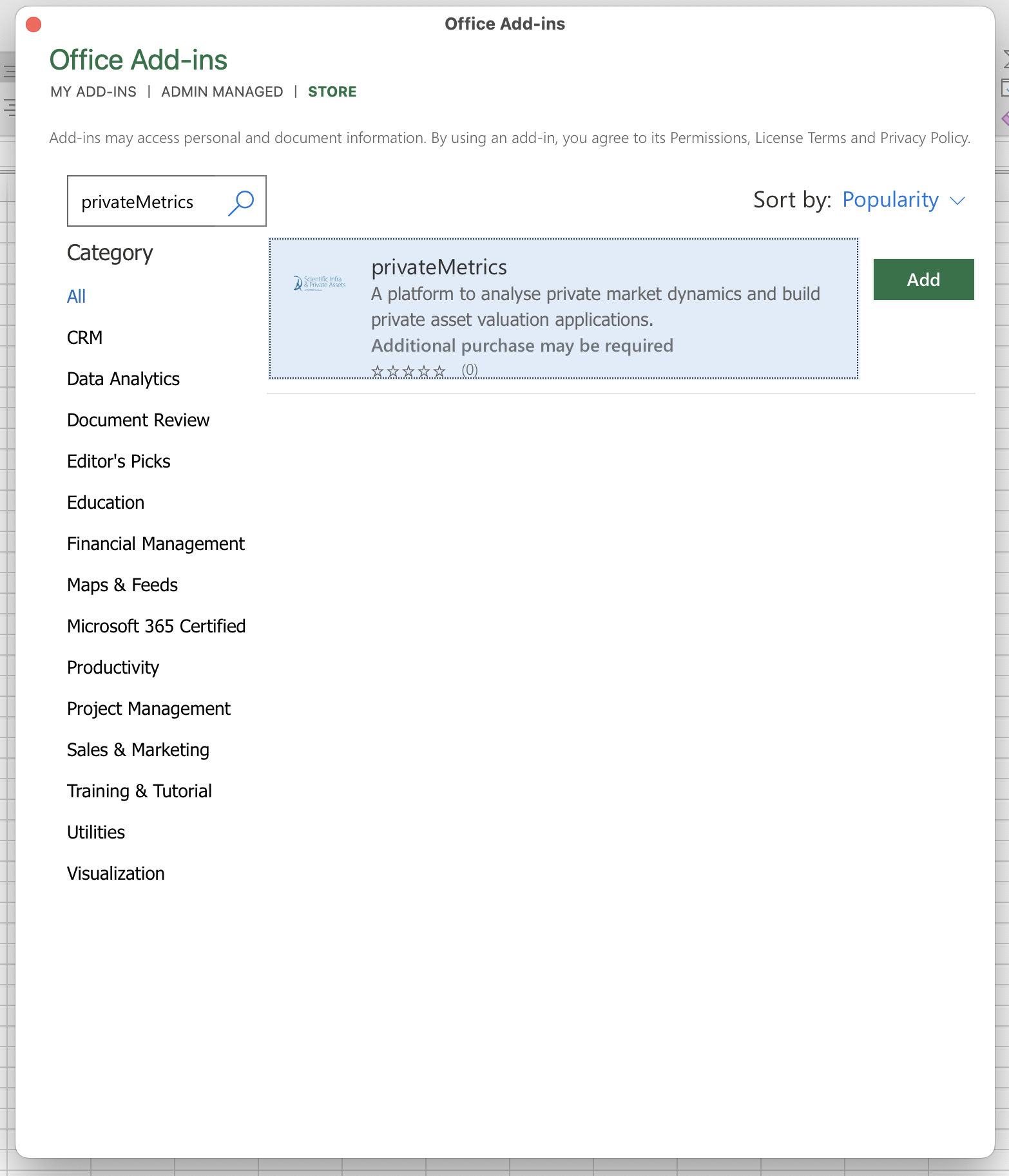
STEP 2: Under the store tab search for privateMetrics and click on Add.
Once done adding, it will be shown as a tab in Excel.
STEP 3: privateMetrics successfully installed
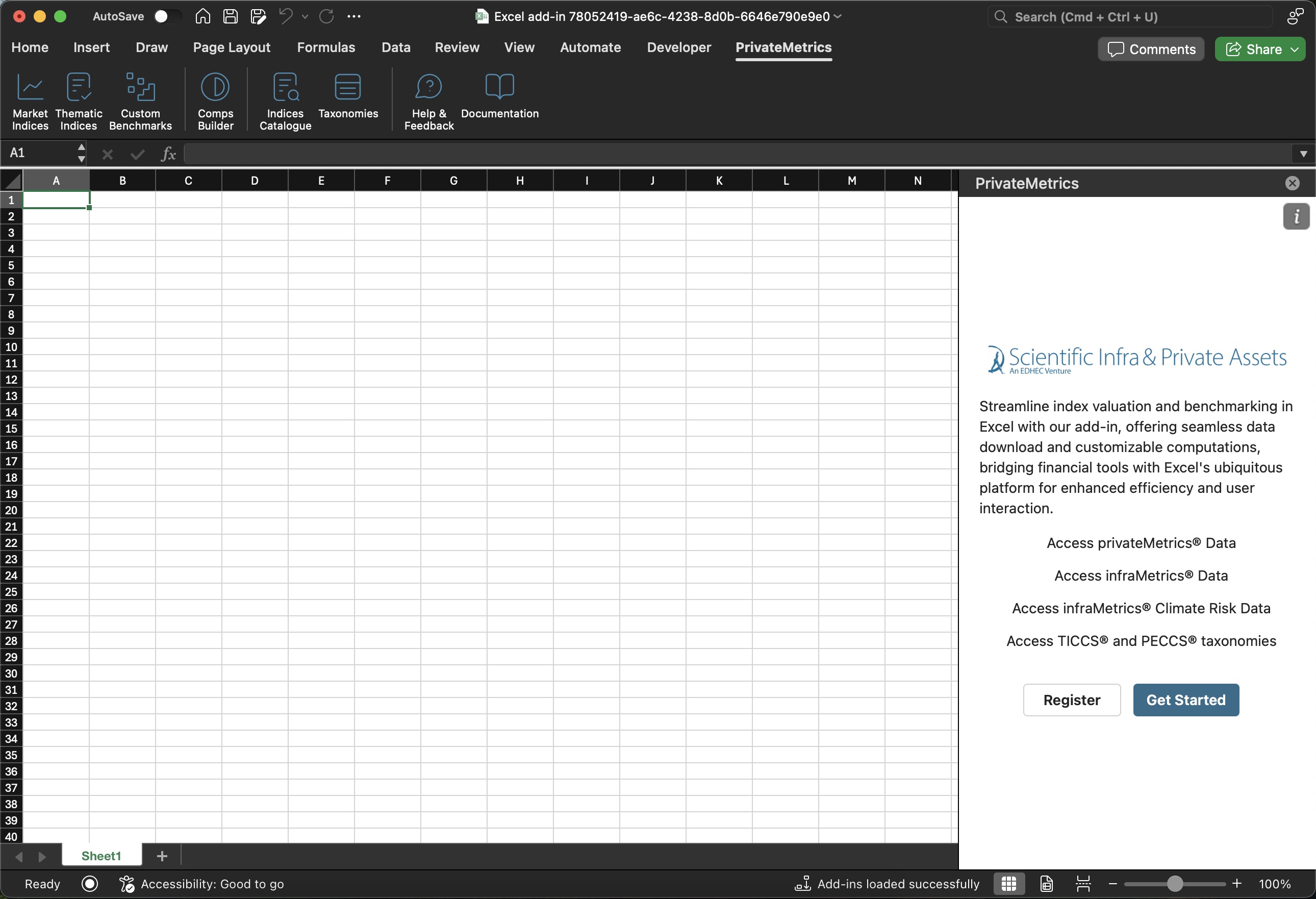
Once installed successfully, it will show the task pane. You are now able to log in.