Sideloading for macOS is one way to run the Microsoft® Excel Add-in if installing via AppSource is not allowed or forbidden by the company.
Step 1:
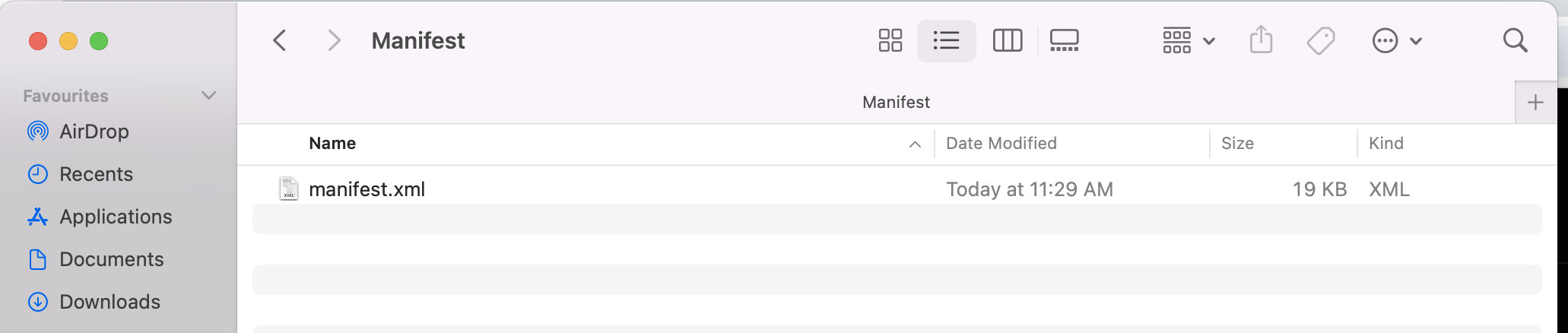
Download the latest manifest file here (https://excel.sipametrics.com/ ) once download is done you can save the manifest file to a desired folder as manifest.xml.
Step 2:
Move the file to the wef folder of Excel.
The wef folder in Microsoft Office is typically associated with Word Editing Format (WEF), which is used by Office applications, particularly Word, for certain types of collaborative or co-authoring features.
Once there press ⌘ + Shift + G on keyboard and you will get a small window like this

Type in the destination of wef which is similar to all
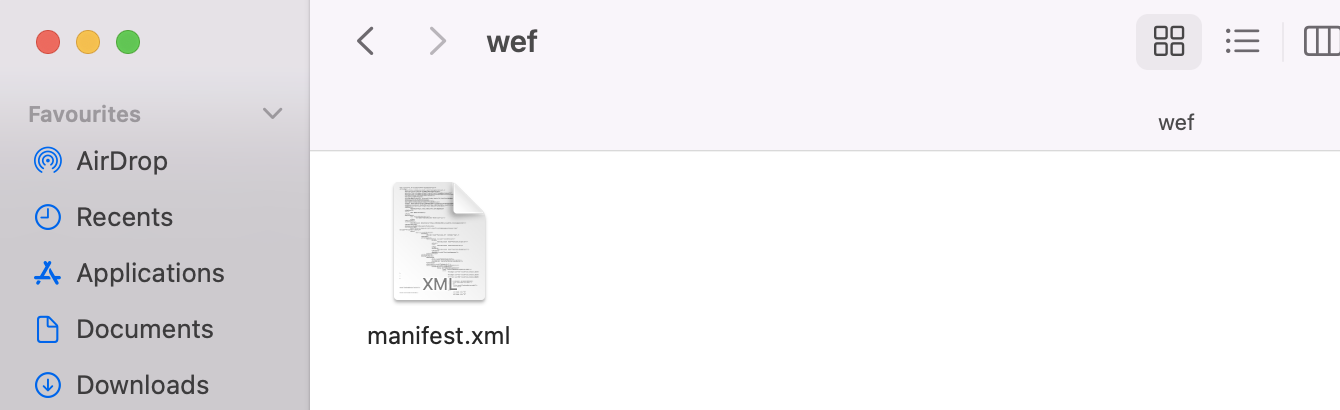
/Users/<username>/Library/Containers/com.microsoft.Excel/Data/Documents/wef
Paste the manifest.xml file in the wef folder.
Step 4: Open Microsoft® Excel
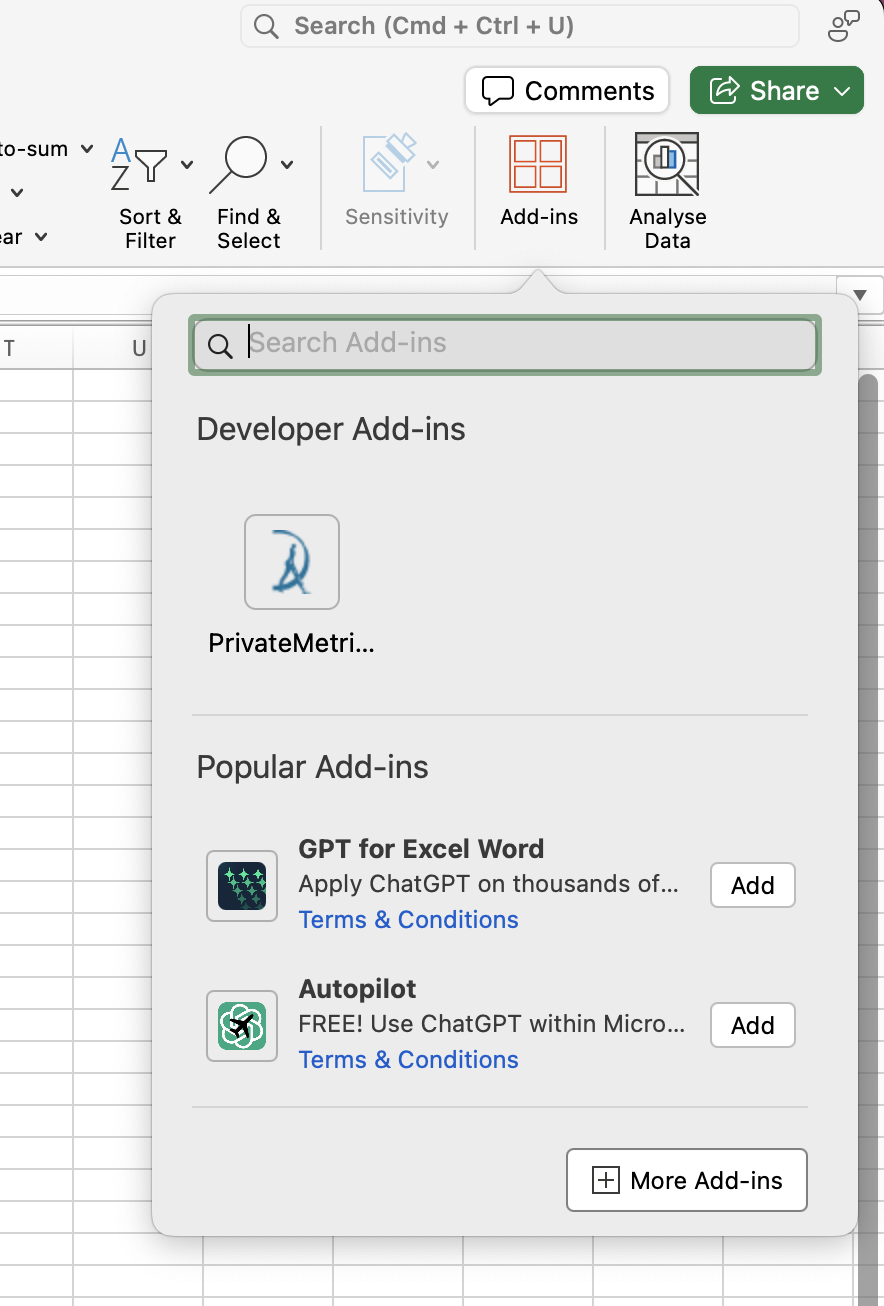
Once Excel is open go to Add-ins. Find PrivateMetrics under Developer Add-ins and click on it. It will install the Add-in and load its resources.
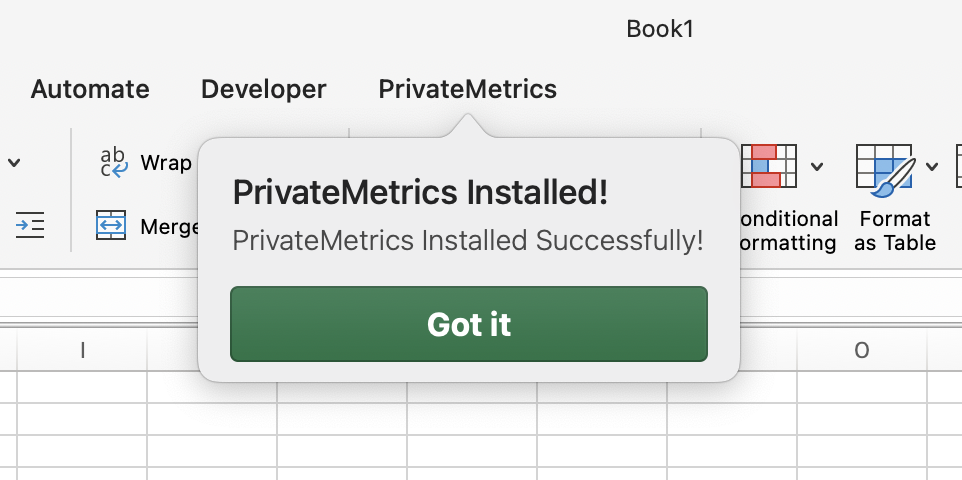
Once installed successfully, it should show like this. And you can enjoy using the add-in.