Access to view all available indices, as well as their categories and Index ids used for other query functions.
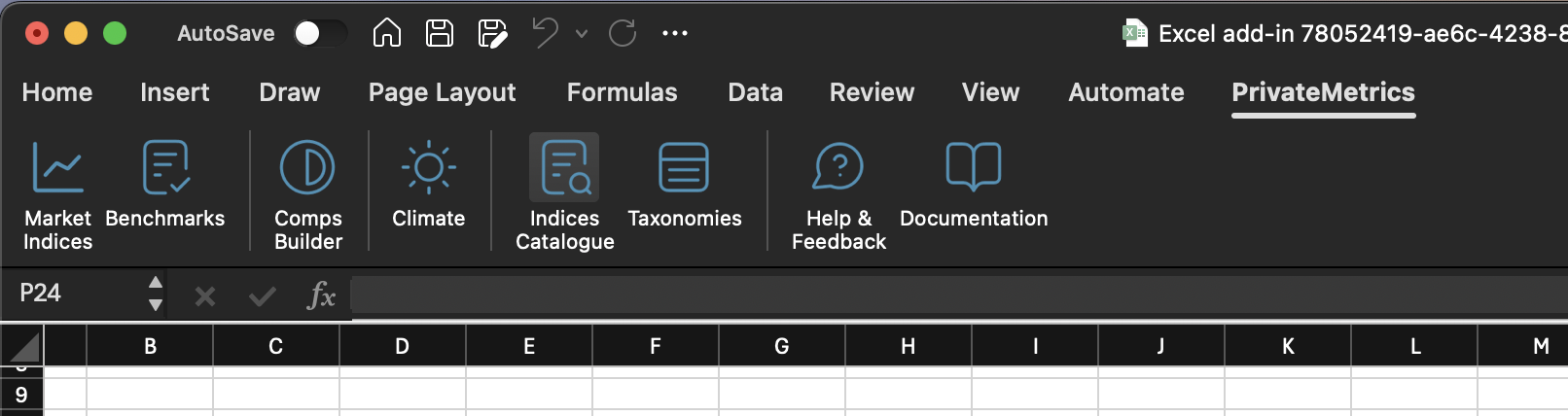
Open the PrivateMetrics tab, and click Indices Catalogue
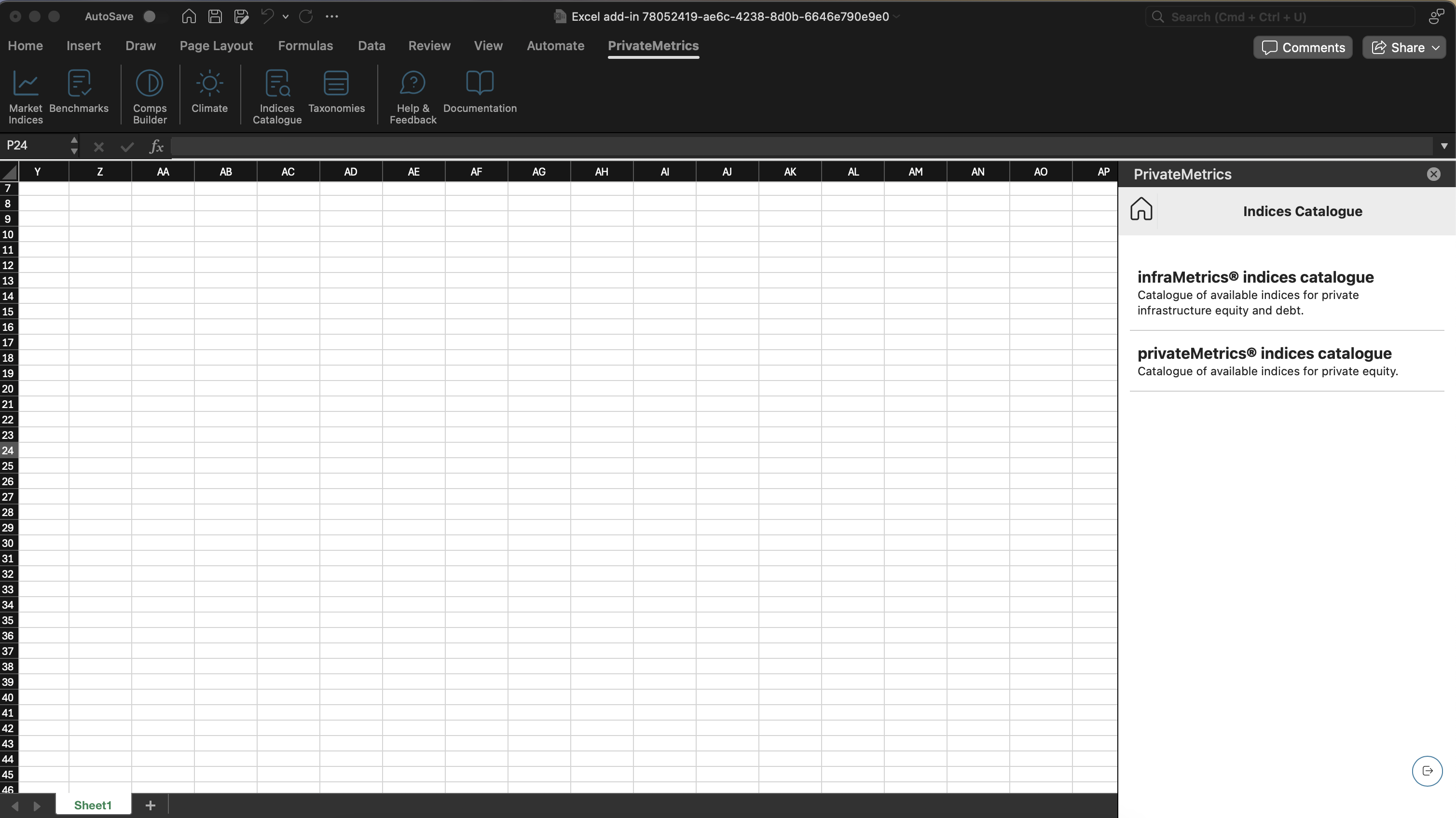
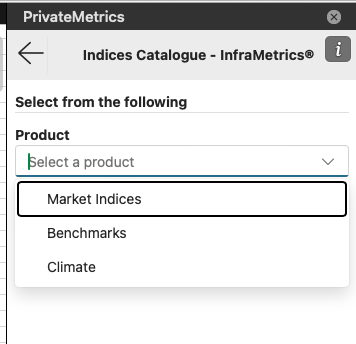
Select one of our product:
infraMetrics® indices catalogue - Catalogue of available indices for private infrastructure equity and debt.
privateMetrics® indices catalogue - Catalogue of available indices for private equity.
After selecting the product, you will see this layout.
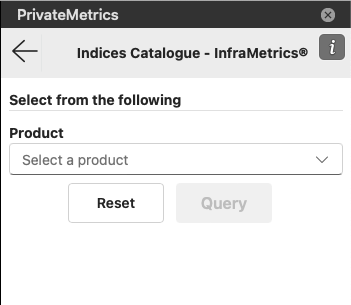
Select 1 of the app. Choose Market Indices if you want to see indices available for Market Indices query, etc.
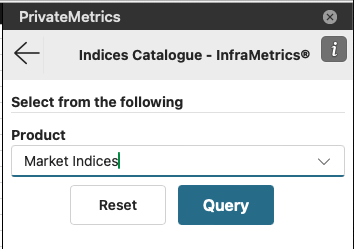
Click on Query button to execute the function. This will build the custom function into your current active cell in your excel sheet, and will display the table.
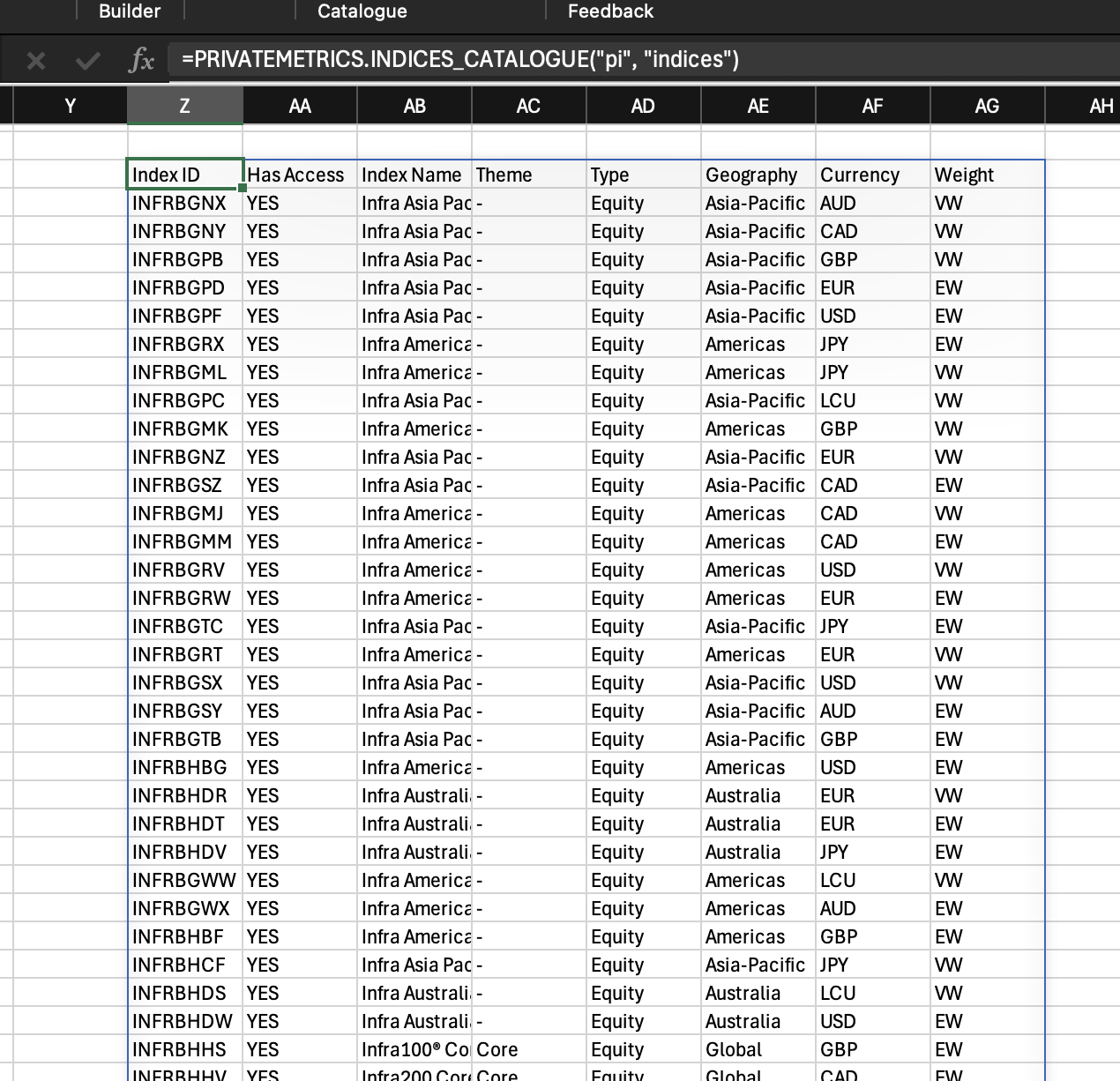
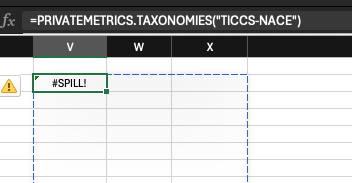
Note that the table will only show if it has enough space to display the data on the sheet. Otherwise it will show #SPILL! error. The blue border indicates how much space required to show the data. Clear the entire cell within the blue border to see the data.